The family organizer app for everything your household shares.
Shared calendar, grocery lists, chores, meals, budget and habits in one app. Everyone in your home sees the same thing the moment it changes.



Scan to install on your phone
Rated 5 stars by families, couples and roommates
5 stars
on the App Store
Free
to start, no credit card
iPhone and Android
in the same circle
Real-time
sync on every phone
Pick a feature. See what Domus does with it.
Each tile replaces an app your household is juggling today, and they all share the same people, the same circle and the same sync.

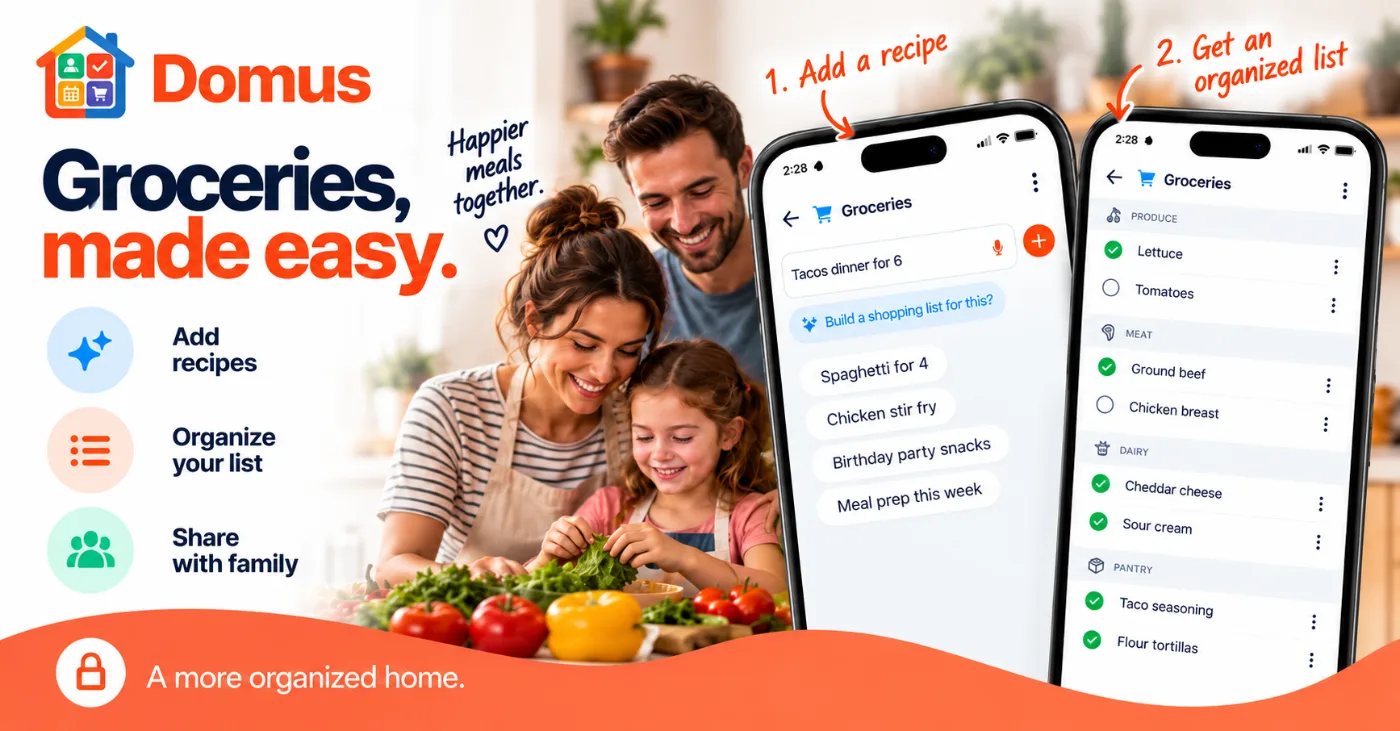
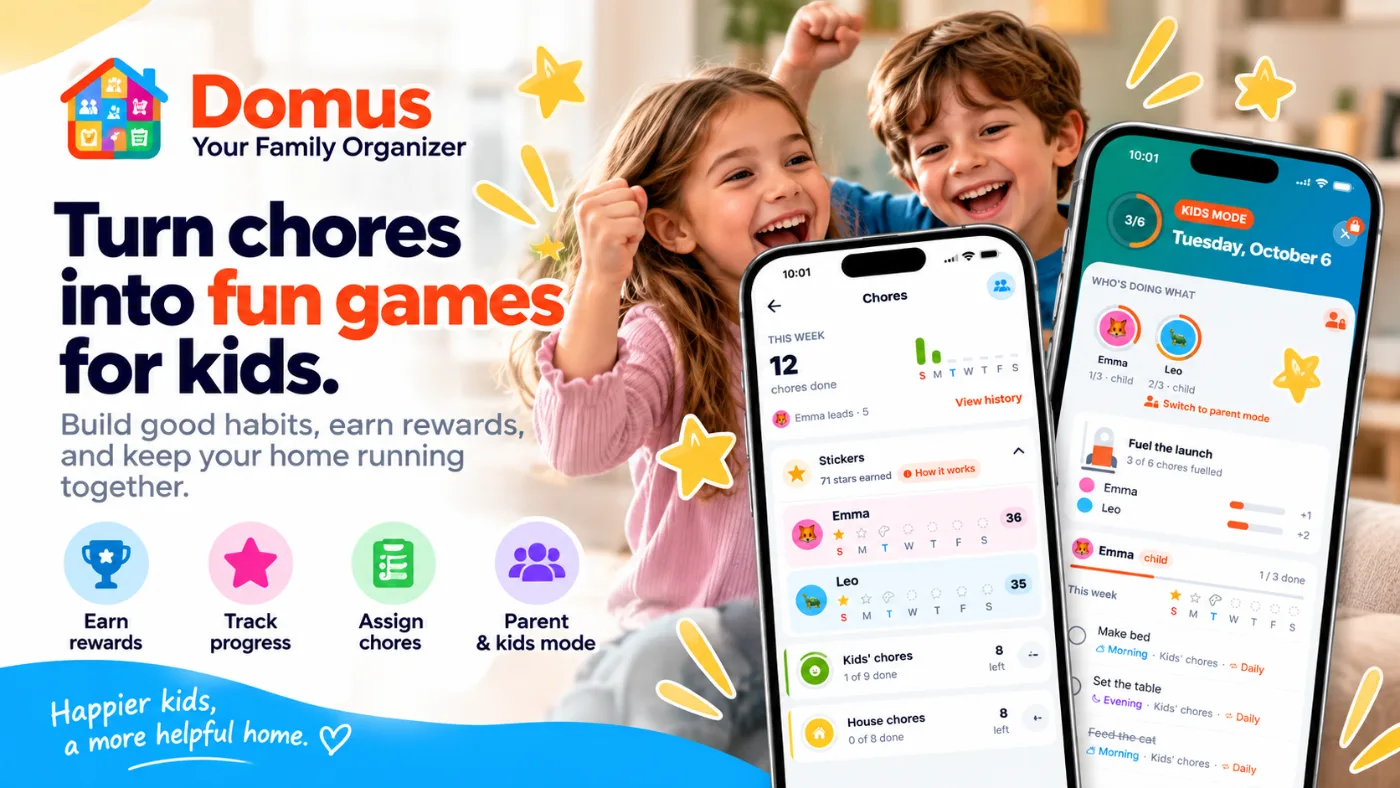

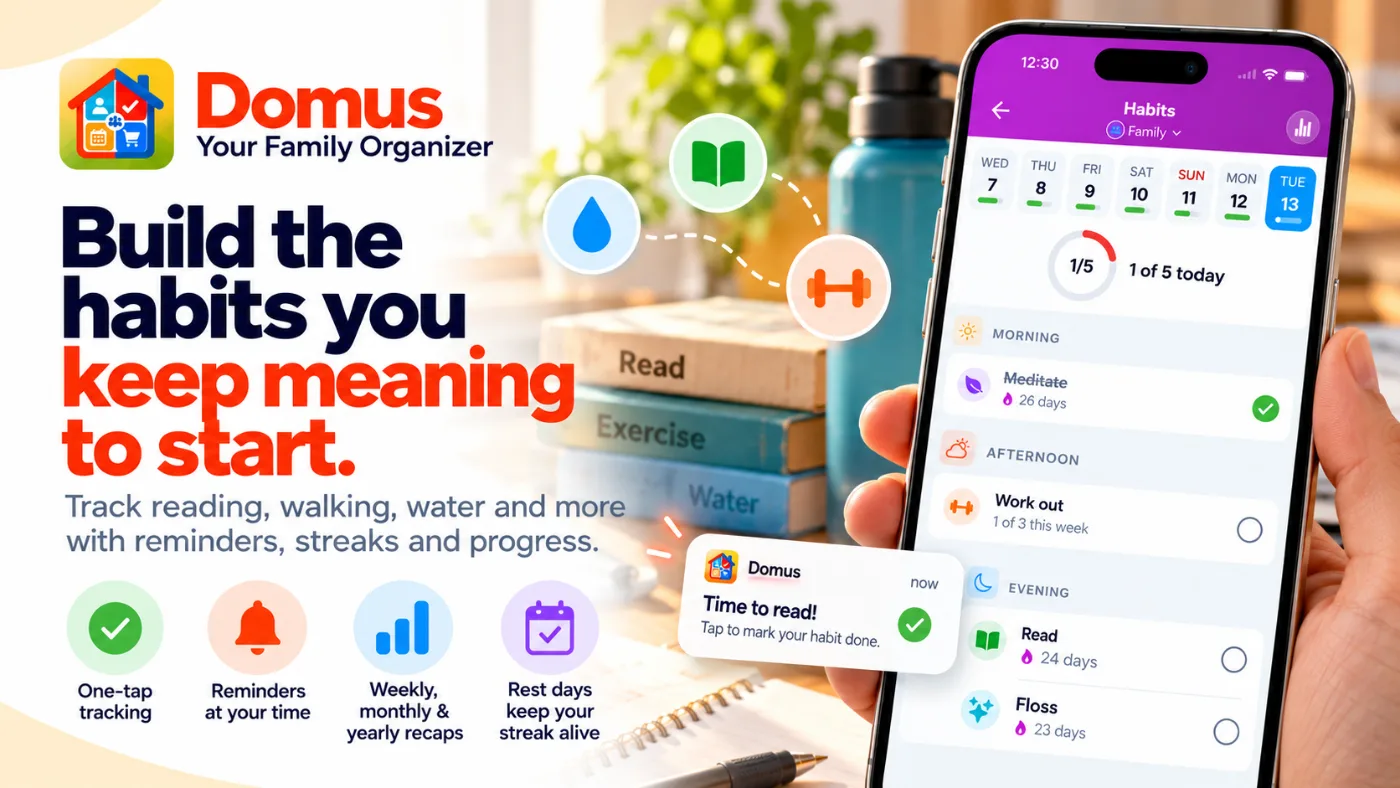

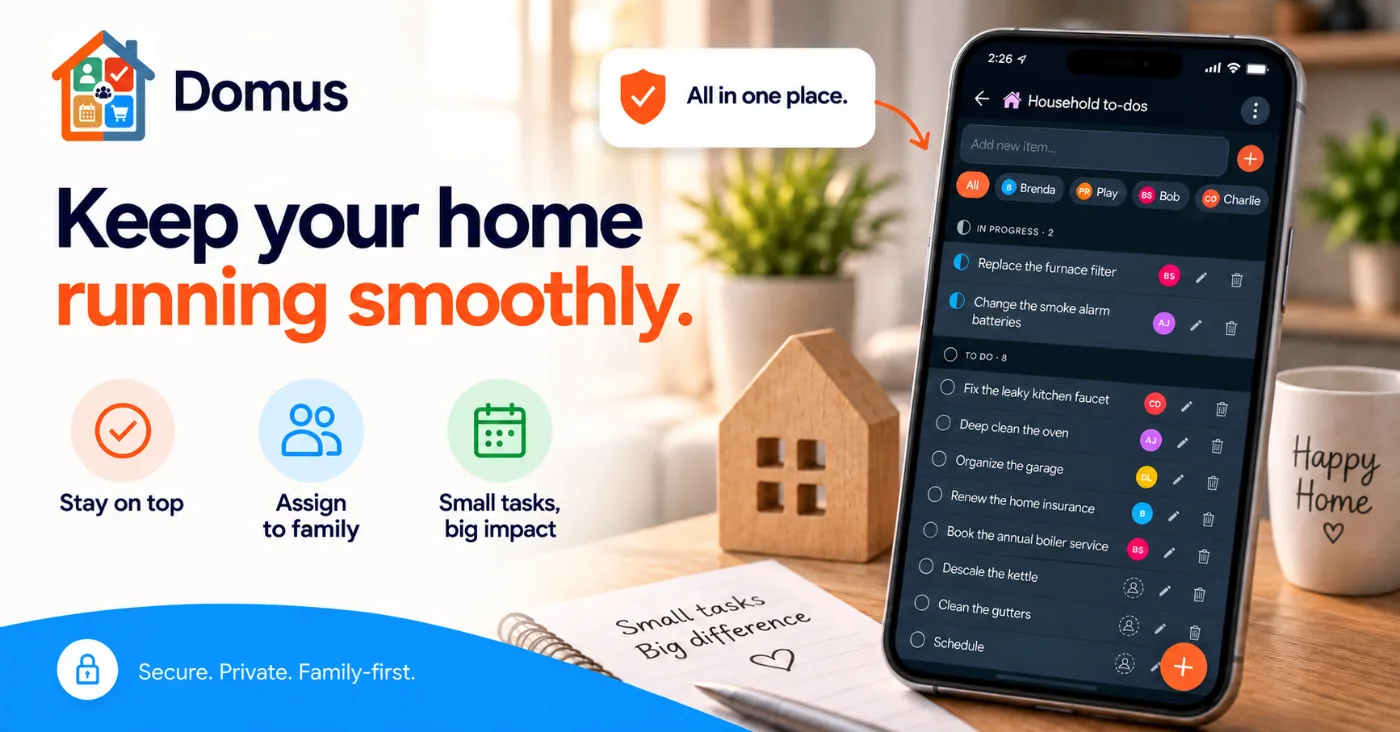
All in one place. Every tile your circle uses on one home screen. Drag them into the order that fits your household.
Also in Domus

Shared calendar
Meal planner

Gifts

Recipes
Plus the tiles below, all in the same circle.
- Documents
- Gallery
- Work schedules
- Contacts
- Pets
Built for every kind of household.
Families
Calendar, chores, meals and health in one place the kids can use too.
Couples
A shared list that updates before you reach the dairy aisle.
Roommates
Split costs, shared documents and a chore chart nobody argues about.
Shift workers
Rotating schedules the whole household can see at a glance.
Set up once. Everyone is in.
- 1
Create a circle
Family, roommates, a trip with friends. Keep as many circles as you need and switch in a tap.
- 2
Invite with a code
Share a 6-character code or a link. Anyone who opens it is in, on iPhone or Android.
- 3
Everything syncs
Add milk from the couch. It is on your partner's phone before they reach the aisle.
Families love it. Roommates swear by it.
- Groceries
“The AI categorization is a game-changer. I just add items and they're automatically organized by aisle. Grocery shopping takes half the time now.”
Marcus T., Dad of 3 · iOS
- Calendar
“No more missed appointments or schedule conflicts. The shared calendar is essential for our family now. I don't know how we managed without it.”
Jennifer A., Mom · Android
- Recipes
“I pasted a recipe link and Domus filled in almost everything for me. It turned saving dinners into a 10-second job. Love having everything in one place.”
Olivia B., Home cook · iOS
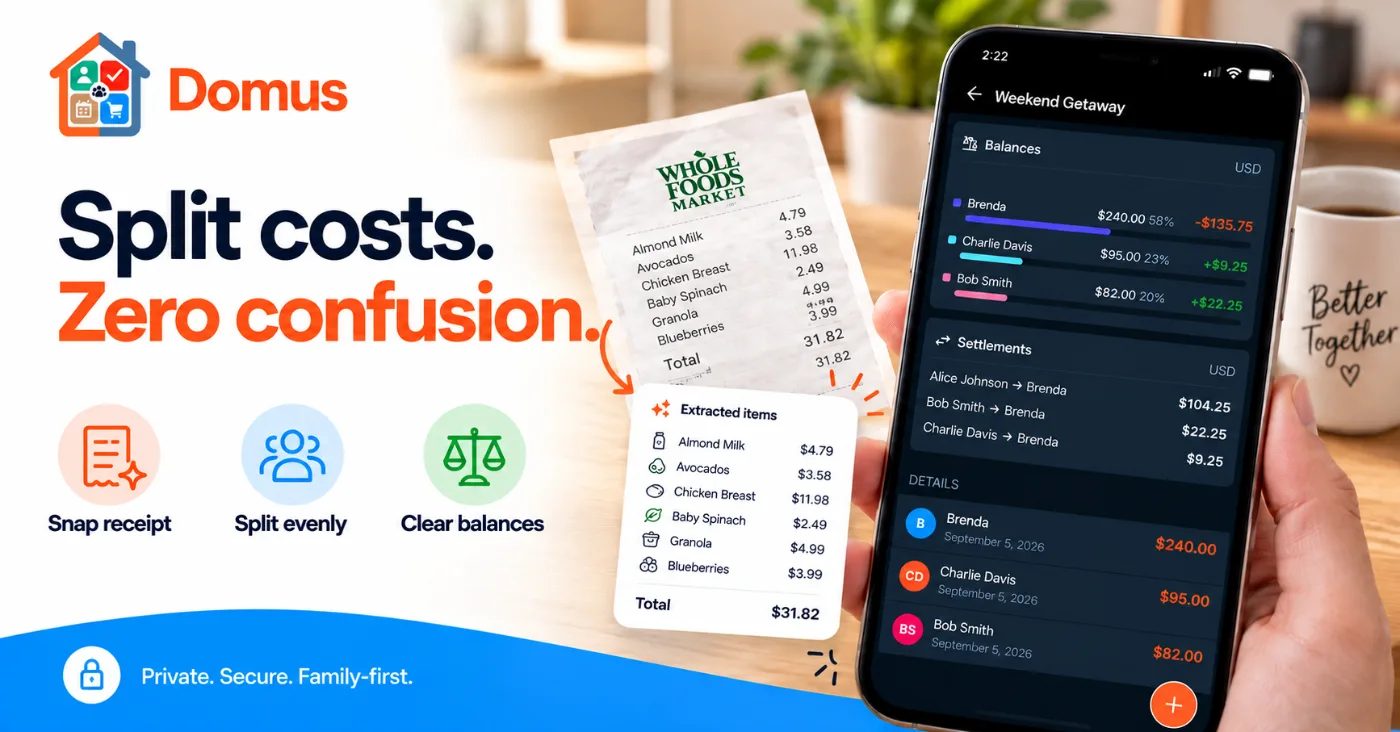
- Split Expenses
“We finally stopped arguing over who owed what after dinner. The balances are right there for everyone. Adding a receipt takes seconds.”
Maya T., Roommate · Android
- Documents
“Scanned our health cards once. Now my whole family can pull them up at the doctor in seconds. No more digging through bags.”
Robert K., Dad · iOS
- Real-time sync
“My partner checks off milk at the store and it disappears from my list before I reach the dairy aisle. Actual magic.”
Thomas B., Couple · Android
Switching from FamilyWall?
Here is how the two apps line up, plan by plan, so you can see what you keep and what you gain.
| Feature | Domus | FamilyWall |
|---|---|---|
| Shared calendar, lists and to-dos | Free | Free |
| Recipes and shared contacts | Free | Free |
| Meal planner | Free | Premium |
| Habits with streaks and reminders | Free | Not offered |
| Gift lists and wishlists | Free | Wish lists in to-dos |
| Chores with stickers and a kids mode | Free, kids mode in Plus | Chore checklists in to-dos |
| Budget by category | Plus, with accounts and a yearly overview | Premium |
| Split costs and settle up | Plus | Not offered |
| Loyalty card wallet | Plus | Not offered |
| Family health and pet records | Plus | Not offered |
| Rotating work shifts | Plus | School and activity timetables |
| Documents | Plus | Premium |
| Photo gallery | Plus | Free |
| AI help | AI Plus: events, lists by aisle, receipts, recipes, budget import | Premium: events from forwarded emails |
| Location sharing | Not offered | Premium |
| Family chat | Not offered | Free |
| Paid plan (US) | $5.49/month or $39.99/year | $4.99 to $7.99/month or $44.99/year |
Based on FamilyWall's App Store listing and pricing page in October 2026. Features and prices change, so check both apps for the latest. FamilyWall is a trademark of its owner. Domus is not affiliated with FamilyWall.
Start free. Upgrade when you need more.
The shared basics stay free: circles, lists, chores, the calendar, meals, habits and gifts. Plus unlocks every other tile and lifts the limits. AI Plus adds up to 100 AI uses a month.
Start here
Free
Everything most households need to get organised together.
- 1 private + 1 shareable circle, up to 10 members each
- Unlimited lists, recipes and shared contacts
- Chores with due dates, assignees and part of the day
- Habits, gift lists and a meal planner
- Shared calendar with unlimited planning ahead
- Recurring events, reminders and push notifications
- 3 free tries of every AI feature
- Best value
Everything unlocked
Plus
$5.49/month · $39.99/year
Unlocks every household tile and lifts every limit.
- Everything in Free
- Budget with accounts and a yearly overview
- Documents, Gallery and Wallet, with 1 GB of storage
- Work Schedule, Split Costs, Family Health and Pets
- Repeating chores, kids mode and full chore history
- Unlimited circles, members and family profiles
- Pin and reorder, move items between circles, import contacts
Most complete
AI Plus
$8.49/month · $59.99/year
Everything in Plus, with up to 100 AI uses a month.
- Everything in Plus
- Up to 100 AI uses a month — Free and Plus get 3 tries of each feature
- Create events by describing them, typed or spoken
- Import whole schedules from a photo or pasted text
- Create work schedules from a description or a photo
- AI receipt scanning for expense details
- Import a budget from any app or bank file
- Import, generate and shop recipes with AI
- Fill a list from a sentence, sorted by aisle
Compare every featureHide the comparison
| Feature | Free | Plus | AI Plus |
|---|---|---|---|
| Circles | 1 private + 1 shareable | Unlimited | Unlimited |
| Members per circle | Up to 10 | Unlimited | Unlimited |
| Family profiles | Up to 2 | Unlimited | Unlimited |
| Lists and list items | Unlimited | Unlimited | Unlimited |
| Shared calendar, recurring events and reminders | |||
| Recipes and shared contacts | |||
| Push notifications | |||
| Chores with due dates, assignees and part of the day | |||
| Habits with streaks and reminders | |||
| Gift lists and wishlists | |||
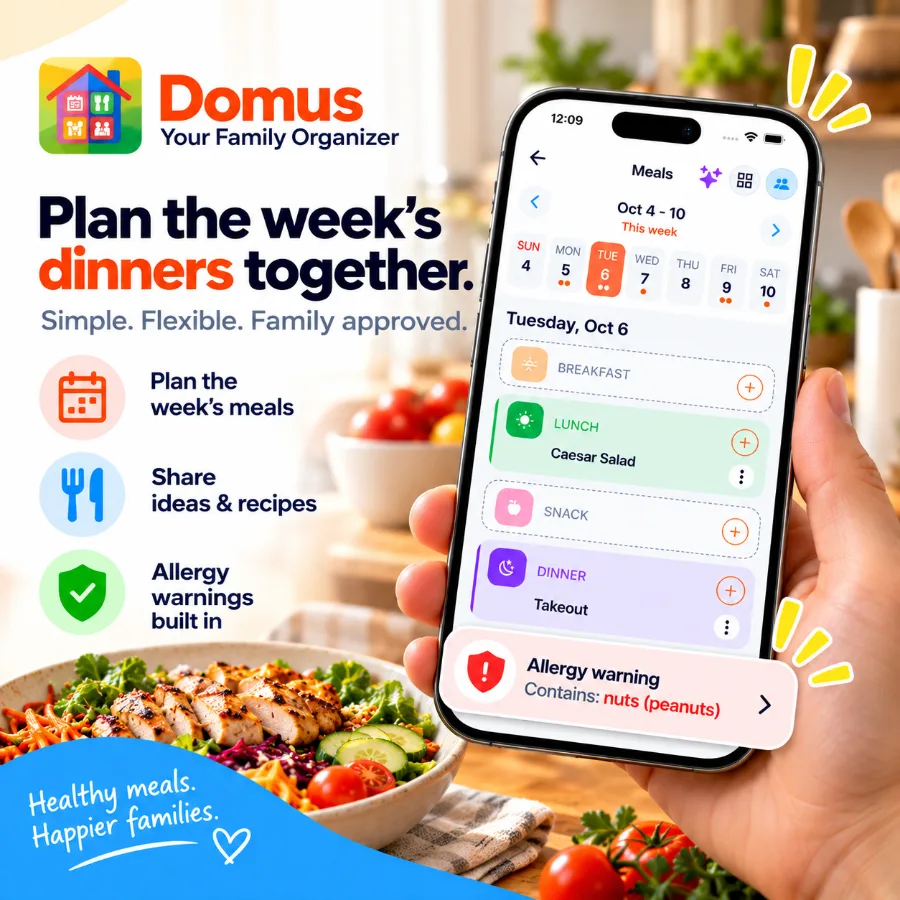
| Meal planner | Last, this and next week | Any week, copy last week, allergy warnings | Any week, copy last week, allergy warnings |
| Today board | With weather | With weather | |
| Chore history | This week | Full history by month, with streaks | Full history by month, with streaks |
| Repeating chores that roll forward automatically | |||
| Kids mode with the launch countdown | |||
| Documents | |||
| Gallery for photos and videos | |||
| Storage across Documents and Gallery | Up to 1 GB | Up to 1 GB | |
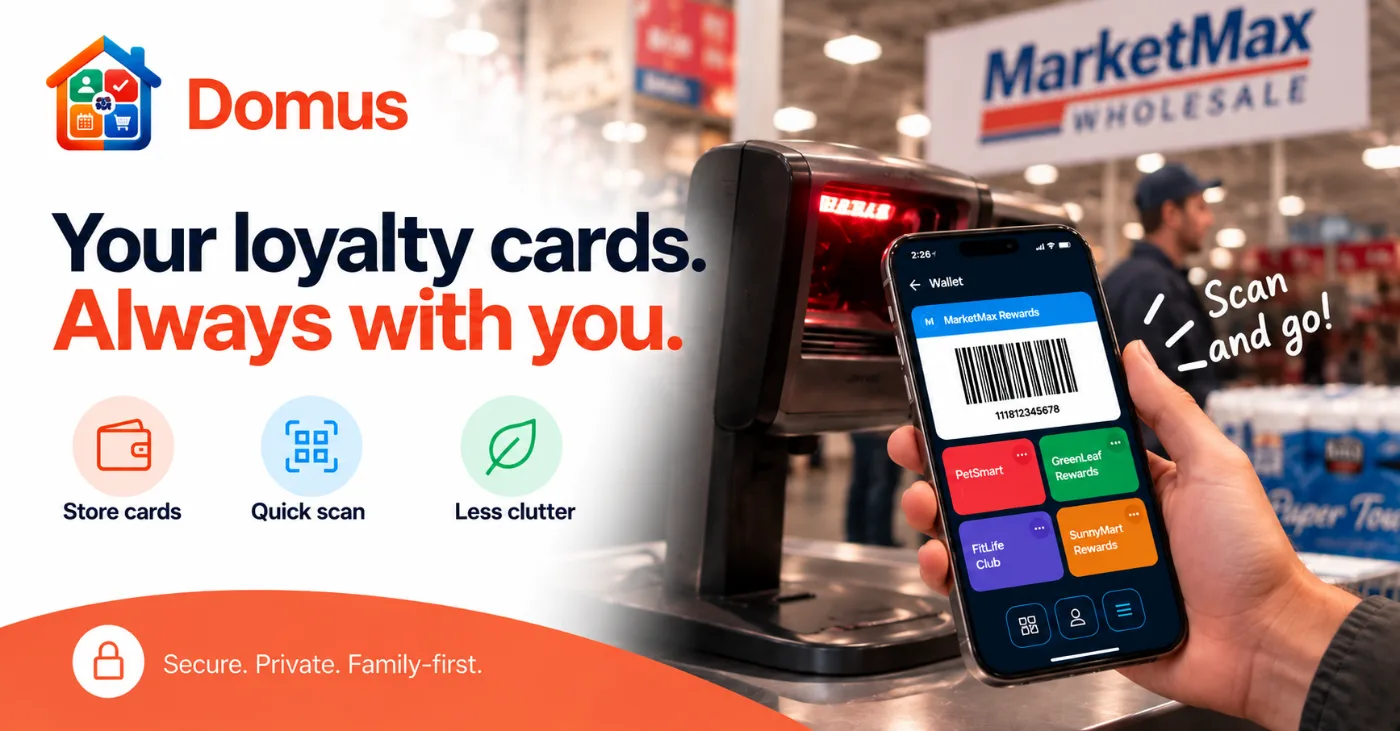
| Wallet for your loyalty cards | |||
| Budget with accounts, monthly and yearly overview | |||
| Import a budget from another app | From 11 popular apps | Any app or bank file, with AI | |
| Split costs with your circle | |||
| Work Schedule | Up to 2 years ahead | Up to 2 years ahead | |
| Family Health and Pets records | |||
| Pin and reorder lists, chores and cards | |||
| Move items between circles | |||
| Import contacts from your phone | |||
| AI uses | 3 free tries per feature | 3 free tries per feature | Up to 100 a month |
| Create events by describing them, typed or spoken | 3 free tries | 3 free tries | Included |
| Import whole schedules from a photo or pasted text | 3 free tries | 3 free tries | Included |
| Fill a list from a sentence with AI | 3 free tries | 3 free tries | Included |
| AI list item categorisation | 3 free tries | 3 free tries | Included |
| AI recipe import from URL | 3 free tries | 3 free tries | Included |
| AI recipe generation from prompt | 3 free tries | 3 free tries | Included |
| Create shopping list from recipe with AI | 3 free tries | 3 free tries | Included |
| Create work schedules from a description or a photo | 3 free tries | Included | |
| AI receipt scanning for expense details | 3 free tries | Included |
Pick your plan later. Download now and start organizing.
Questions before you download.
Is it really free? What's the catch?
No catch. The free plan is genuinely usable: 1 private + 1 shareable circle with up to 10 members each, unlimited lists and list items, chores with due dates and assignees, habits with streaks, gift lists, a meal planner, a shared calendar with unlimited planning ahead, recurring events, reminders, recipes, shared contacts, push notifications, and 3 free tries of every AI feature. Zero ads, no artificial feature crippling.
How does the real-time sync actually work? Is there a delay?
It's instant. Domus uses Supabase Realtime under the hood, a WebSocket connection that pushes changes the moment they happen. When your partner checks off milk at the store, it disappears from your list before you reach that aisle. No polling, no pull-to-refresh.
How do I invite my family or roommates?
Create a Circle, tap Invite, and share the 6-character code or a link. Anyone who opens the link or types the code is added to your Circle immediately. Codes expire after 24 hours for security.
Can I be in more than one Circle?
Yes. You can belong to as many circles as you want, useful if you want separate ones for family, roommates, or a group of friends. Switch between them from the home screen in one tap.
What AI features does Domus include?
Domus uses AI for practical household jobs: creating events by describing them (typed or spoken), importing whole schedules from a photo or pasted text, building work schedules from a description or a photo, filling a list from a sentence, categorising list items by aisle, scanning receipts to fill in expense details, importing a recipe from a URL, generating a recipe from a prompt, and turning a recipe into a shopping list. Every plan gets 3 free tries of each AI feature; AI Plus raises that to up to 100 AI uses a month across all features.
What paid plans does Domus offer?
Domus offers Plus at $5.49/month or $39.99/year and AI Plus at $8.49/month or $59.99/year. Plus unlocks Budget, Documents, Gallery, Wallet, Work Schedule, Split Costs, Family Health and Pets, repeating chores, kids mode and full chore history, and lifts the limits to unlimited circles, members and family profiles. AI Plus includes everything in Plus and replaces the 3-try limit with up to 100 AI uses a month across every AI feature.
Is my data private? Can Domus see my files and lists?
Your circles are private — only people you explicitly invite can see anything inside them. We don't sell data and there are no ads. Documents are stored in Supabase-managed storage and scoped strictly to your circle.
What platforms is Domus available on?
iOS and Android. Sign in with Google, Apple, or Facebook. No password required.
Start organizing your household today.
Free to start. No credit card. Install Domus and invite your people in under a minute.
Your circles are private. We don't sell data. No ads.