Split bill and shared expenses calculator
Add the people, enter who paid what and how each cost is shared, and get a short list of payments that settles everyone up. Works for trips, roommates and dinners.
- Free, no sign-up
- Prints on Letter or A4
- Stays on your device
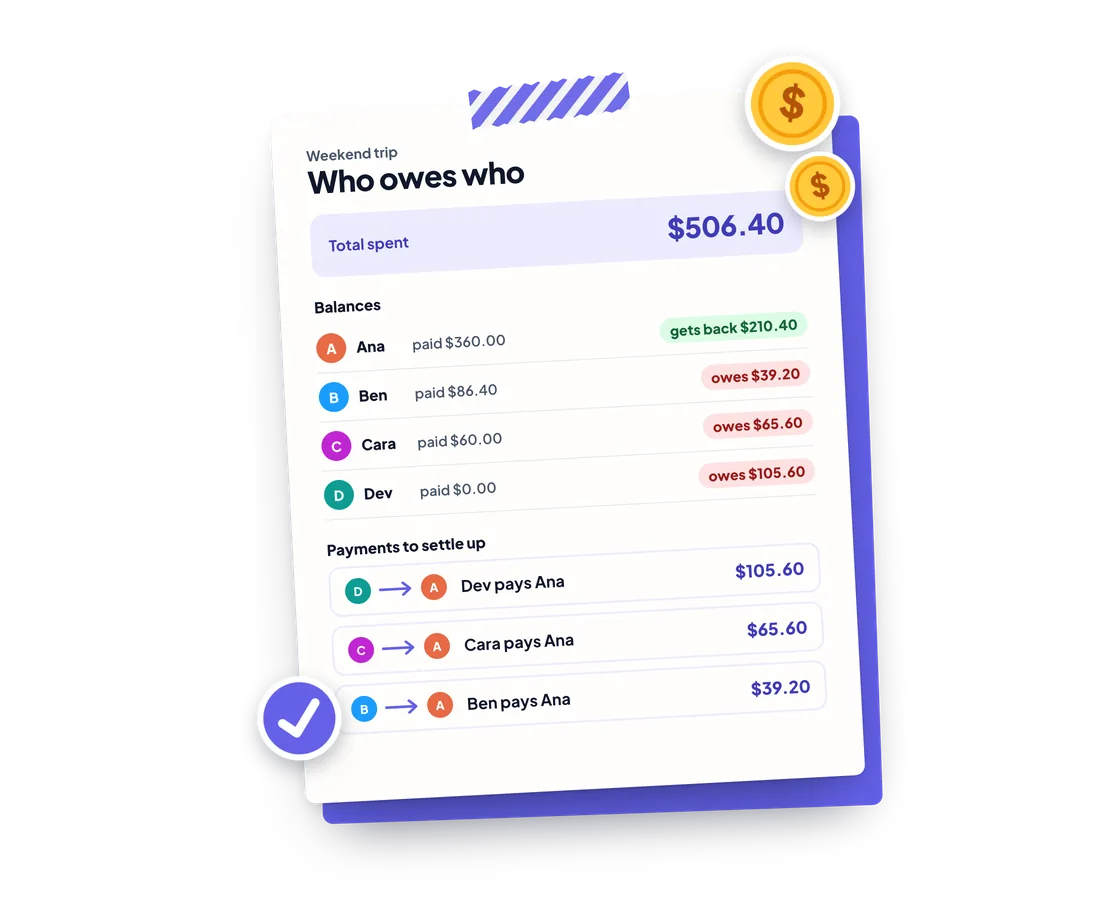
This is an example: a weekend trip. Change anything, or clear it to start your own.
People
Expenses
Expense 1
Split
Expense 2
Split
Expense 3
Split
Expense 4
Split
Total shares: 5
Who owes who
- Total spent
- $506.40
| Person | Paid | Share | Balance |
|---|---|---|---|
| Ana | $360.00 | $149.60 | gets back $210.40 |
| Ben | $86.40 | $125.60 | owes $39.20 |
| Cara | $60.00 | $125.60 | owes $65.60 |
| Dev | $0.00 | $105.60 | owes $105.60 |
Payments to settle up
- Dev pays Ana $105.60
- Cara pays Ana $65.60
- Ben pays Ana $39.20
Saved in this browser only. Never uploaded.
Shared expenses
| Description | Paid by | Total |
|---|---|---|
| Rental house | Ana | $240.00 |
| Groceries | Ben | $86.40 |
| Gas | Cara | $60.00 |
| Boat trip | Ana | $120.00 |
| Person | Paid | Share | Balance |
|---|---|---|---|
| Ana | $360.00 | $149.60 | $210.40 |
| Ben | $86.40 | $125.60 | -$39.20 |
| Cara | $60.00 | $125.60 | -$65.60 |
| Dev | $0.00 | $105.60 | -$105.60 |
Payments to settle up
- Dev pays Ana $105.60
- Cara pays Ana $65.60
- Ben pays Ana $39.20
Everything runs in your browser. Nothing you enter is sent anywhere.
Splitting expenses regularly?
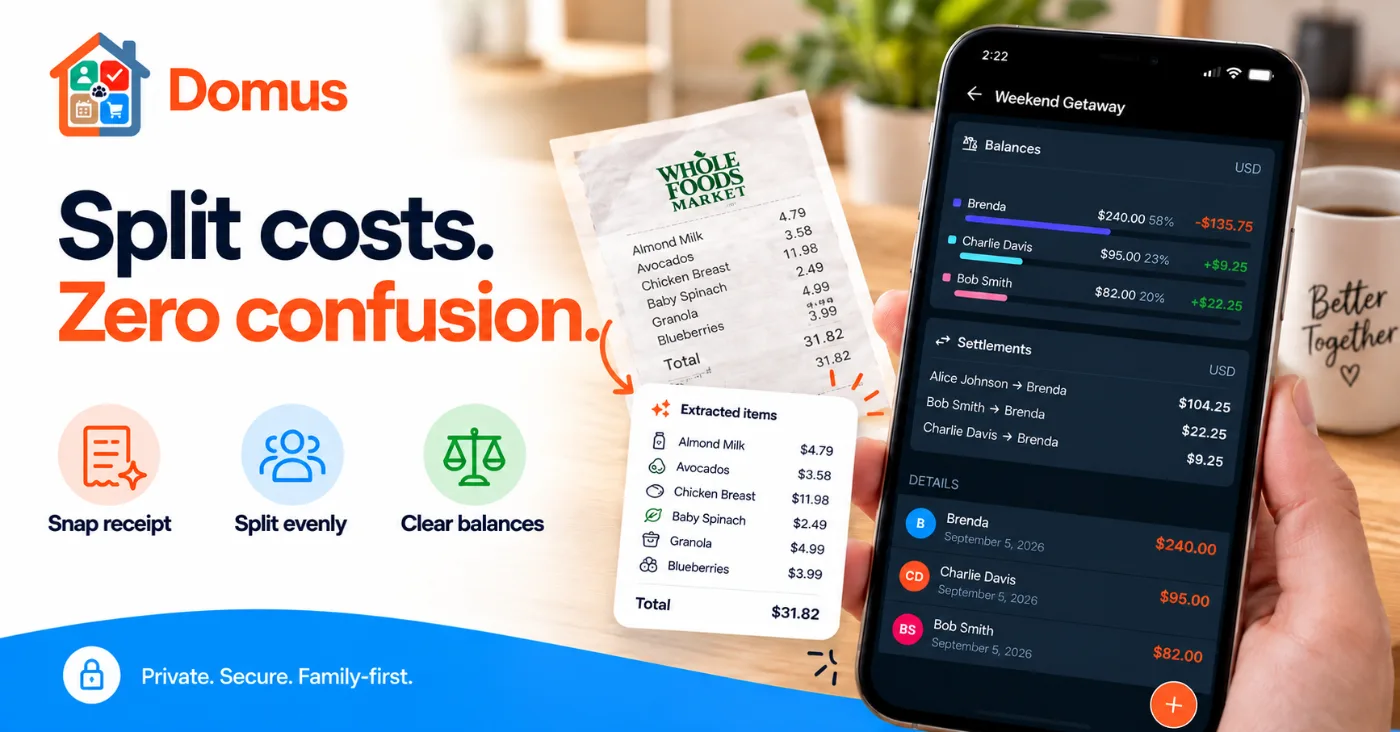
Domus tracks shared costs with your household and keeps the balance current.
- PlusOngoing shared expenses for your household or trips
- PlusSnap a receipt to fill it in
- PlusA read-only link for the group


How to use it
Add the people sharing the costs and pick your currency.
Enter each expense, who paid it and how it is split: equally, by percent, by fixed amounts or by shares. Turn on Restaurant bill to add tax and tip.
Read each person's balance and the payments that settle everyone up, then copy, share, download or print the result.
Examples
Roommates' rent with a fixed split
Rent is 2,000 and the bigger room pays more. Add one expense, choose Fixed and enter 1,100, 500 and 400. The amounts must add up to the rent, and the tool shows how much is left to assign.
A dinner with tax and tip
Enter the pre-tax bill, turn on Restaurant bill and add 8% tax and 18% tip. The tax and tip are added on top of the amount you entered, then the total is split between everyone at the table.
A trip with weighted shares for a couple
A couple travels with a friend. Choose Shares and give the couple 2 shares and the friend 1. The couple covers two thirds of each cost and the friend one third, and the result shows who pays whom.
Frequently asked questions
Why does one person owe 1 cent more?
Money can't be split below the smallest coin. When a total doesn't divide evenly, such as 10.00 between three people, the leftover cents are handed out one at a time, starting with the largest remainders. Everyone's shares always add up exactly to the total.
Is the payment list the minimum number of transfers?
It is a short list, but not always the mathematical minimum. The tool repeatedly matches the person who owes the most with the person owed the most, which settles n people in at most n−1 payments. Finding the true minimum is a much harder problem and rarely saves a payment.
Is the tip calculated on the pre-tax amount?
Yes. Tax and tip are each a percentage of the amount you enter, so enter the bill before tax. Tip is not charged on top of tax. If your restaurant adds tip to the taxed total, adjust the tip percentage to match.
Can I split unevenly?
Yes. Each expense can be split equally among chosen people, by percent (which must total 100%), by fixed amounts (which must total the expense) or by shares, such as 2 shares for a couple and 1 for a single person.
What if someone paid for everyone, or for only some people?
Choose who paid, and for an equal split tick only the people who share that cost. The payer doesn't have to be one of them. Their balance shows what they paid minus what they owe.
Does it work with currencies that have no decimals, like yen?
Yes. Pick the currency first. Yen has no decimals and Bahraini dinar has three, and the amounts are calculated and shown with the right number of digits for each one.
What happens if I remove a person after adding expenses?
You are asked to confirm. They are taken out of every split, and any expense they paid shows an error and is left out of the totals until you choose a new payer.
Is my data stored or uploaded?
No. Everything is calculated in your browser and nothing is sent to a server. Tick Remember on this device if you want the draft saved in this browser for your next visit. Untick it to delete the saved copy.
More free tools and guides
Keep it going with your household
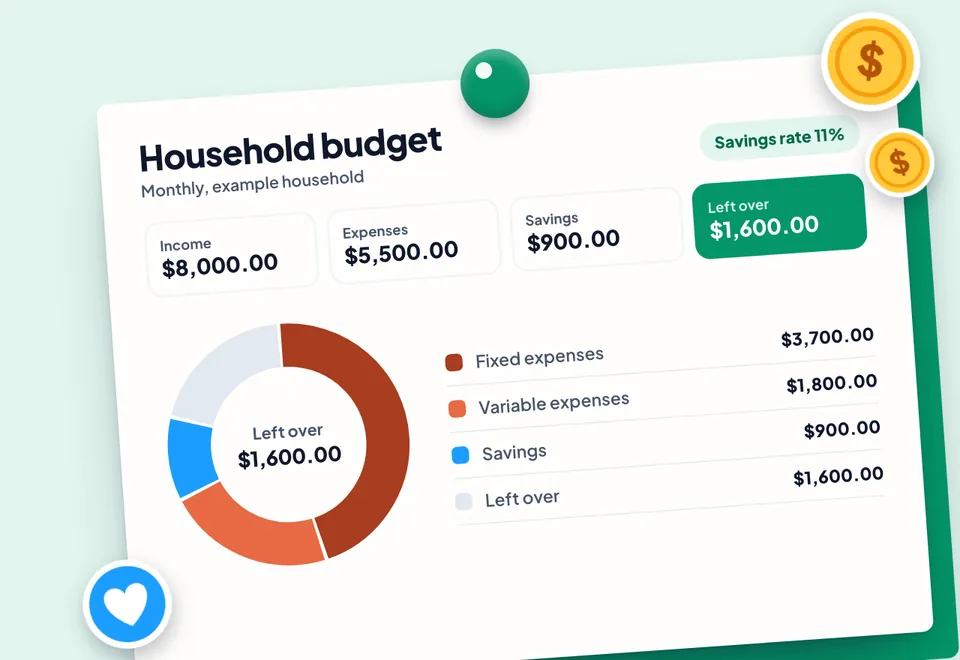
Domus is the shared family organizer behind these tools. Download it free on iOS and Android.